















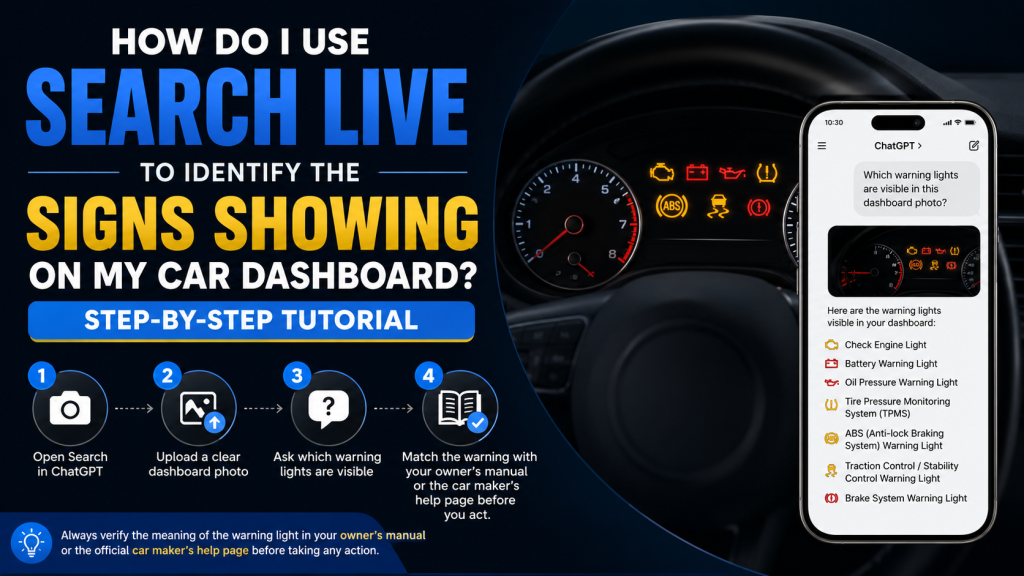
Open Search in ChatGPT, upload a clear dashboard photo, and ask which warning lights are visible. Then match the answer with your owner’s manual or the car maker’s help page before you act.
What Search Live Does
ChatGPT Search looks up recent or real time information and returns links to web sources. ChatGPT can also analyze uploaded images, so a dashboard photo can be checked inside the same chat. You can use it on chatgpt.com and in the desktop and mobile apps.
Step 1 Open Search in ChatGPT
Open ChatGPT and start a new chat. Choose the Search option when you want live web results, or click the web search icon if it appears in your chat box. ChatGPT can also decide to search on its own based on your question.
Step 2 Take a Clear Photo of the Dashboard
Use your phone or camera to capture the full instrument cluster. ChatGPT can analyze uploaded images, screenshots, diagrams, and charts. On mobile, tap the photo button to capture or choose an image. On iPhone or Android, tap the plus button first if needed. A clear photo makes it easier to identify the symbol, color, and shape of the light.
Step 3 Upload the Photo and Ask a Direct Question
After the image is uploaded, ask a short and direct question. Keep the wording simple.
Use prompts like these.
What warning lights are shown on this dashboard photo?
Identify each dashboard symbol in this picture.
Which light is the most urgent in this image?
What does the yellow engine shaped light mean?
What does the red battery light mean?
Clear questions help ChatGPT focus on the exact symbols you want to identify. Image input is designed for questions about what is shown in the picture.
Step 4 Ask for One Symbol at a Time
If the dashboard has several lights on, ask about them one by one. This reduces confusion and gives cleaner answers. ChatGPT can use the full context of the conversation, so follow up questions work well when you want a deeper explanation of each symbol.
Use prompts like these.
Tell me about the top left light first.
Now explain the center warning light.
List the lights from most urgent to least urgent.
Explain this symbol in simple words.
Step 5 Compare the Answer With the Vehicle Manual
Use the ChatGPT answer as a guide, then confirm it with the owner’s manual. Dashboard symbols can vary by make, model, and year. A symbol that looks familiar may still mean something slightly different in your car. Search is useful because it can pull current web sources, but the final check should still be the vehicle manual or the maker’s support page.
Step 6 Read the Most Common Warning Lights
Some dashboard signs appear often across many vehicles. These are the ones you should know first.
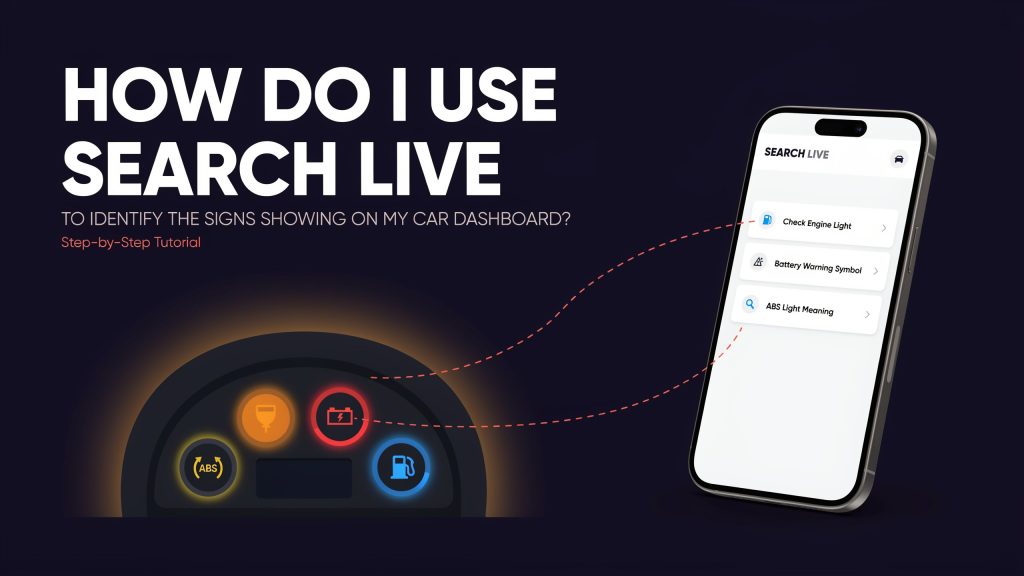
The tire pressure warning light means at least one tire is significantly underinflated and needs immediate action, according to NHTSA.
The check engine light means the onboard diagnostics system detected a malfunction. It can appear for a loose gas cap or for a more serious problem. In some cases, ignoring it can lead to more expensive damage later.
The ABS light means the anti lock braking system has been deactivated because of a malfunction. Your regular brakes may still work, but the safety system is not functioning.
The battery light means there is a problem in the charging system. That usually involves the battery, alternator, wiring, fuses, or related parts.
The traction control light can come on when the system is disabled or when it is actively helping the car maintain traction. If the light stays on, the system may have a fault.
If you are also checking how vehicle systems and modes affect performance, you may find this guide useful:
Do the Driving Modes in Cadillac Lyriq Offer Different Ranges or Battery Usages?
Step 7 Use Search Live to Check the Urgency
After ChatGPT identifies the symbol, ask what the driver should do next. This is helpful because some lights need quick action while others only need a check soon. Use the light name in your follow up so the answer stays focused.
Useful prompts include these.
Is this safe to drive for a short trip?
Should I stop the car now?
What does this mean if the engine is running normally?
What should I check first?
For example, the tire pressure warning needs immediate action. The battery light points to the charging system and should not be ignored for long. The check engine light can seem minor at first, but it can point to a fault that gets worse if you wait.
Step 8 Ask ChatGPT to Separate Urgent From Nonurgent Lights
When several icons appear together, ask ChatGPT to sort them by urgency. That gives you a practical order to follow. Try a prompt like this.
Sort these dashboard lights into urgent, soon, and monitor.
Explain which one affects safety first.
Which one means I should pull over now?
This works well because Search can use live web information, and image input can read the photo you uploaded in the same conversation.
Step 9 Use Search Results for a Second Check
After the first answer, ask ChatGPT to find a matching source from the web. Search is built to return links to relevant web pages, so it is useful when you want to confirm a symbol with a source outside the chat. Ask for the official owner’s manual page, the car maker’s support page, or a reliable automotive explanation.
Try prompts like these.
Find a source that matches this dashboard light.
Show me the official meaning for this symbol.
Find the car maker page for this warning light.
Give me a source I can check later.
Step 10 Keep Your Photo Clear and Useful
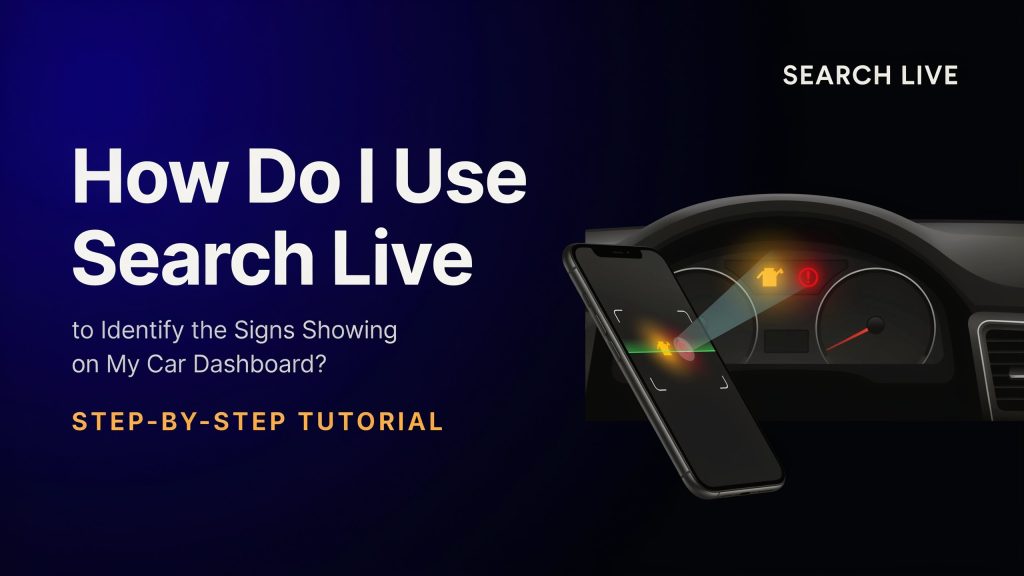
A good dashboard photo saves time. Make sure the warning lights are bright and not blocked by glare, a steering wheel, or your hand. Keep the whole display visible. If a symbol is too small, take a second photo from a little closer. Since ChatGPT can analyze images directly, a clean picture improves the result.
For more everyday tech comparisons and buying guides, you can also check:
Best Wireless Earbuds Under 200 Dollars 2024
Common Prompt Formats
Use short prompts when you want a fast answer.
Identify every warning light in this dashboard image.
What does the yellow light with an engine shape mean?
Which light should I check first?
Explain this symbol in one simple sentence.
List the most likely cause of this warning light.
Short prompts work well because ChatGPT can follow the image and the chat context together. That makes it easier to move from identification to action.
Mistakes to Avoid
Do not upload a blurry photo. Do not crop out half the dashboard. Do not ask one long question with many symbols mixed together. Do not assume every light has the same meaning in every car. Search is helpful for live information, but the final meaning still depends on the vehicle.
Do not ignore a light just because the car still drives normally. The check engine light, ABS light, battery light, and tire pressure warning can all point to problems that matter later. Some may not stop the car right away, but they still need attention.
Best Use Case for Search Live
Search Live works best when you need fast help, a clear photo check, and a second source in the same chat. It is useful when the dashboard symbol is hard to read, when the manual is not nearby, or when you want a simple explanation in plain English. ChatGPT Search gives live web results, and image input lets you ask about what appears in the photo.


